The complete platform
WordPress management features
CMDPress brings site operations, growth data, security, client work, AI help, and site administration into one command center.
- No credit card required
- First site free forever
- $2.99 per extra site
Feature index
Every screen has a complete feature page
Explore 40 focused pages with product value, workflow guidance, current screenshots, and related tools.
Overview and mobile
Health, priorities, tasks, and PWA
-
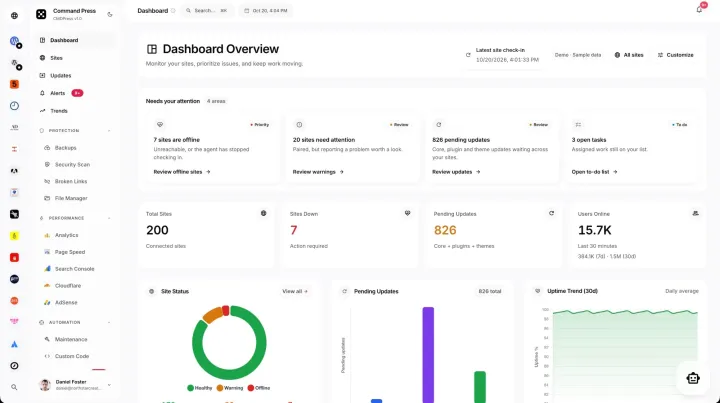 WordPress management dashboard See site health, updates, traffic, alerts, activity, and work queues in one dashboard.
 -
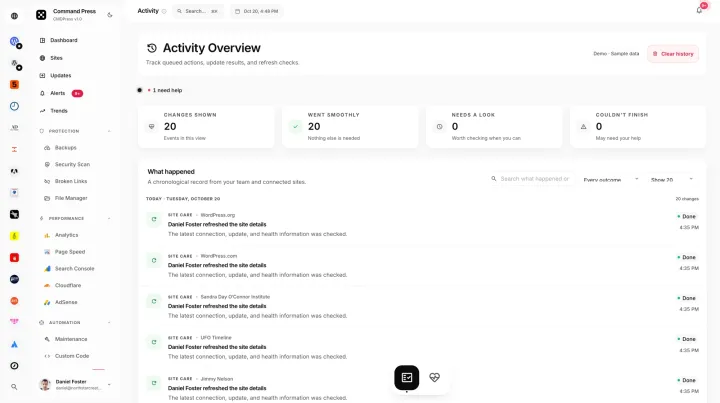 WordPress activity log Review site actions, users, timestamps, and filters for clear maintenance accountability.
 -
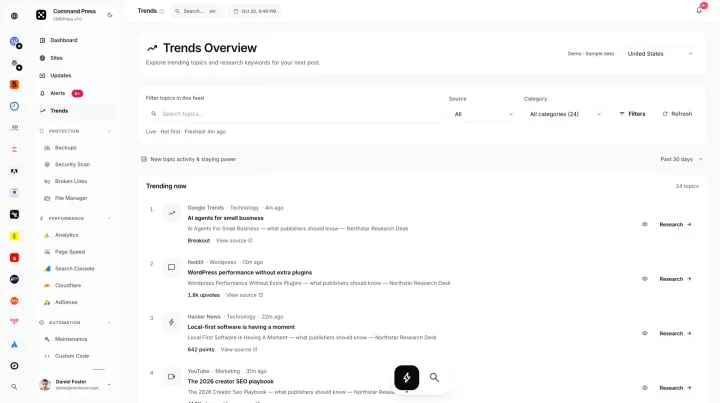 WordPress trend research Research live demand signals, topics, keyword watch lists, and client growth plans.
 -
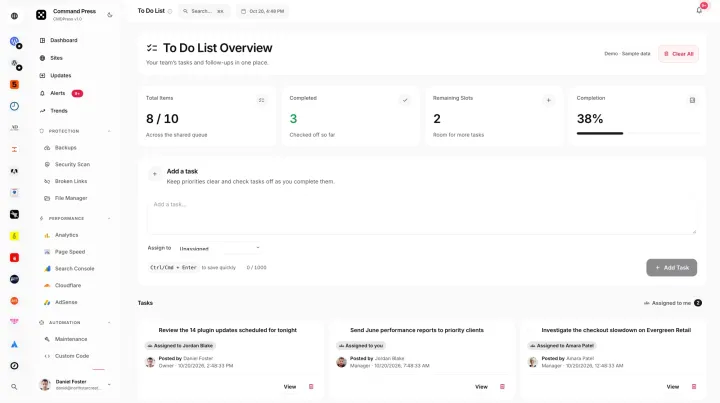 WordPress maintenance task management Assign maintenance work with priorities, due dates, status, and shared site tasks.
 -
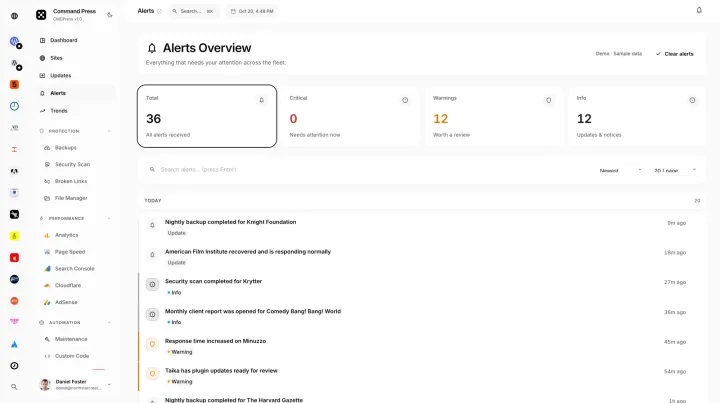 WordPress site alerts Get alerts for downtime, vulnerabilities, failed work, expiring items, and site health changes.
 -
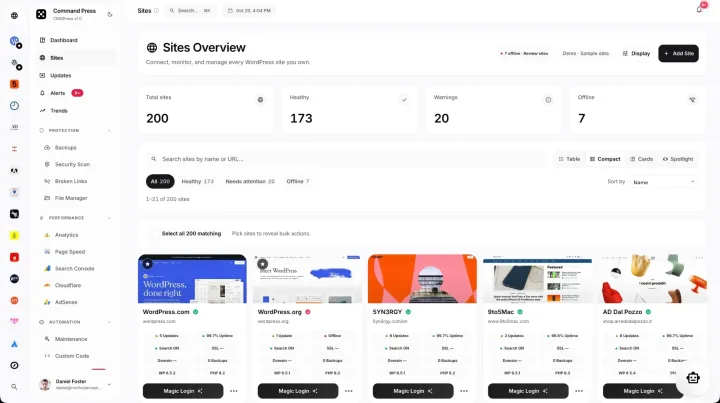 WordPress bulk updates Update core, plugins, and themes across all managed sites in bulk.
 -
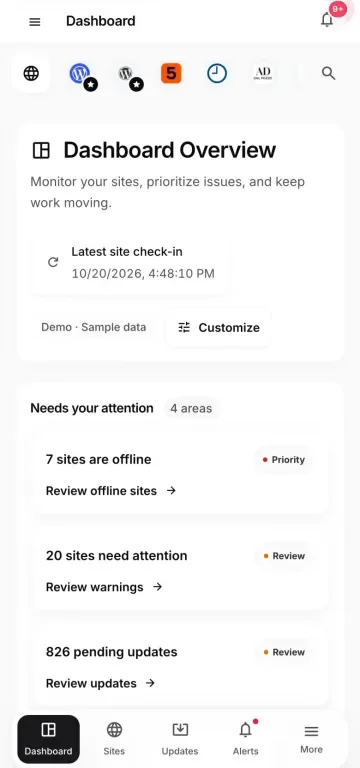 Mobile WordPress management PWA Use responsive site controls with installable app access, touch navigation, and secure sign-in.
Site operations
Updates, security, files, and backups
-
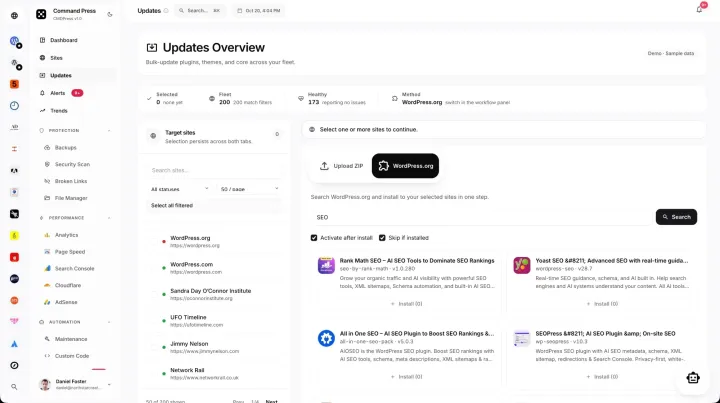 WordPress plugin management Inventory plugins, check versions, update, activate, and keep visibility across sites.
 -
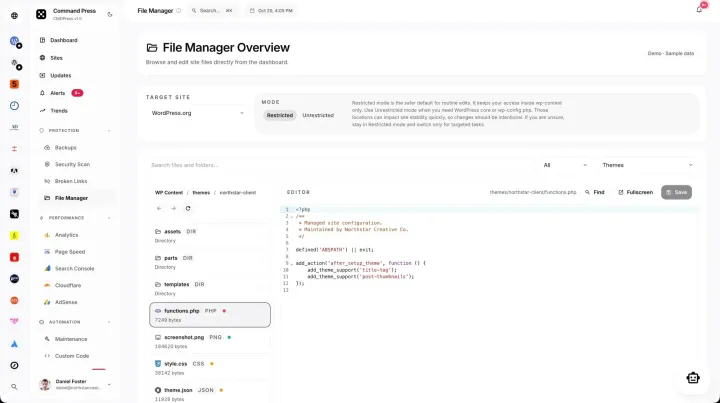 WordPress file manager Browse files remotely, upload, edit code, and manage reusable custom code.
 -
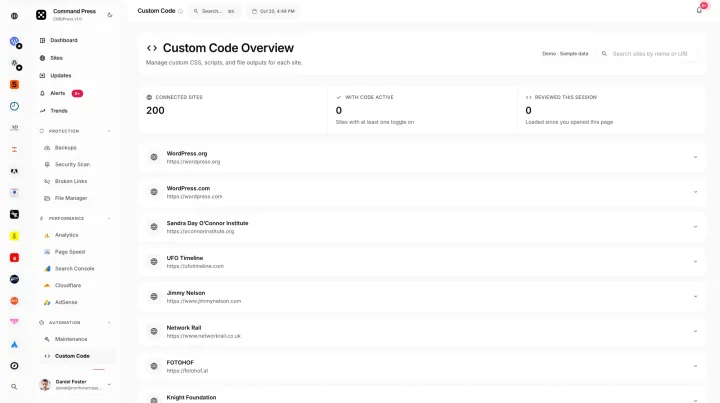 WordPress custom code manager Manage reusable snippets, site assignments, status, editing, and team visibility.
 -
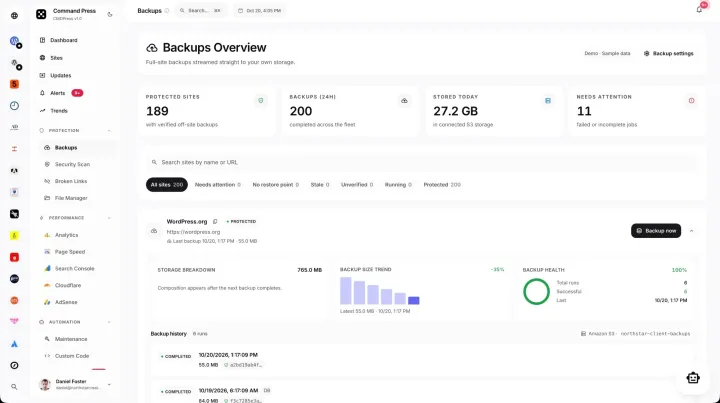 WordPress backup management Track backups, remote storage status, history, and retention for each site.
 -
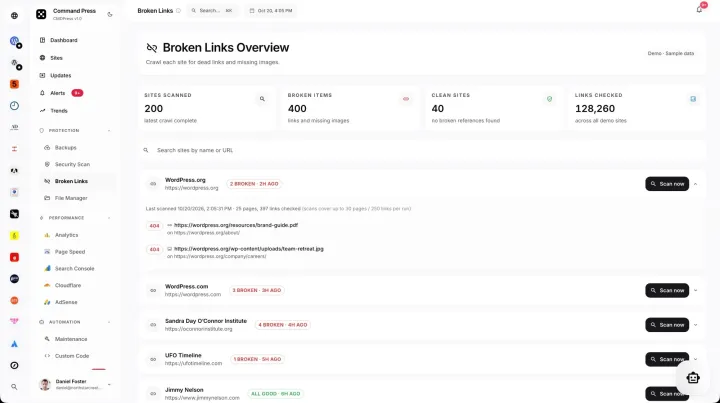 WordPress broken link monitoring Find failed URLs, affected pages, and response codes so you can fix links across sites.
 -
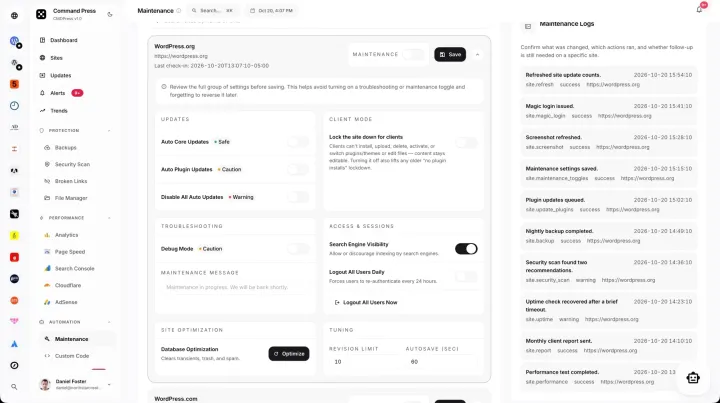 WordPress uptime monitoring Watch site status, response history, maintenance mode, and alerts.
 -
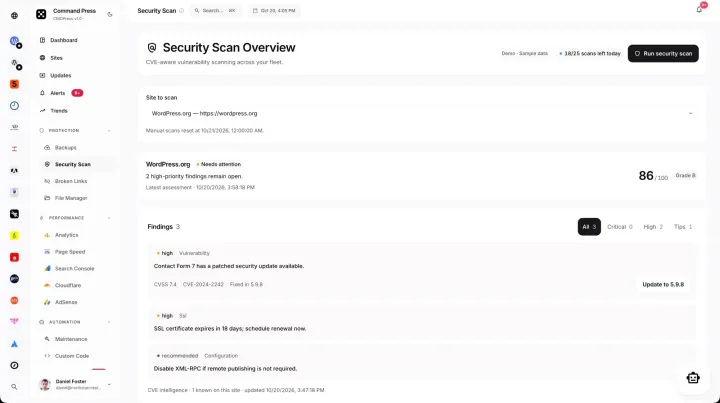 WordPress security scanner Find vulnerabilities, assess site risk, and plan the fix work.
 -
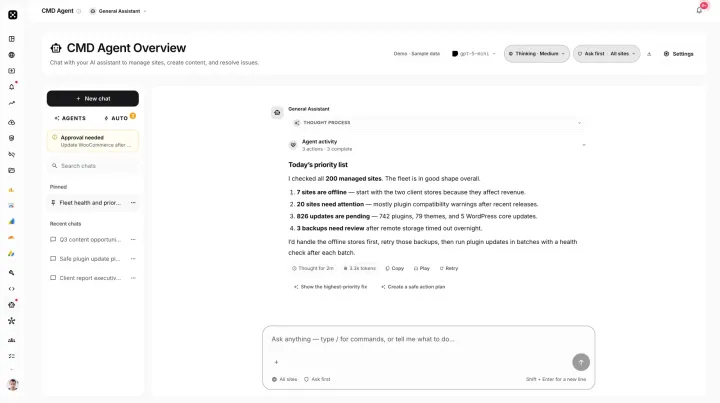 WordPress AI agents Use AI agents with provider choice, memory, tasks, routines, approvals, team sharing, and site context.
Growth integrations
SEO, analytics, speed, and revenue
-
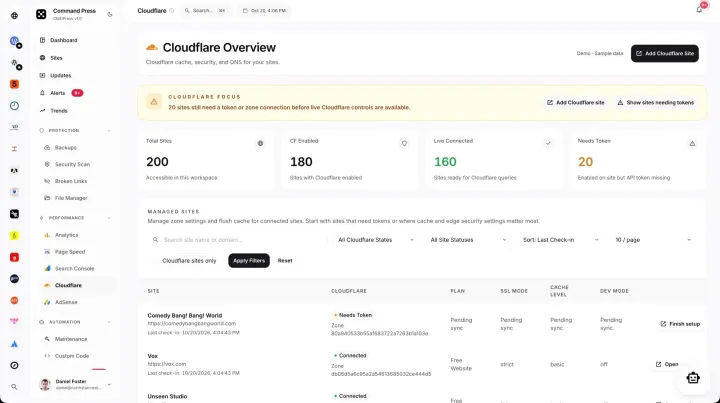 WordPress Cloudflare integration Manage Cloudflare zones, cache actions, traffic, security signals, and site performance.
 -
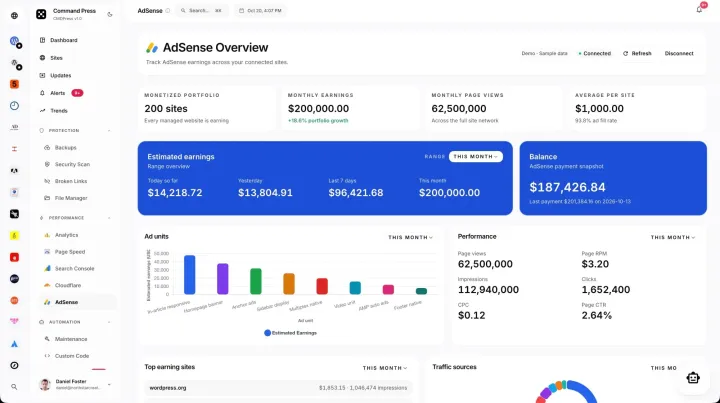 WordPress AdSense dashboard Track AdSense earnings, performance trends, connected properties, and client reporting.
 -
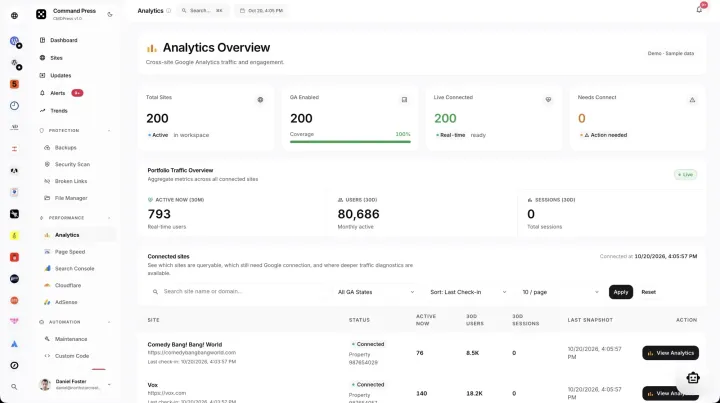 WordPress analytics dashboard See GA4, AdSense, PageSpeed, Cloudflare, traffic, and performance in one place.
 -
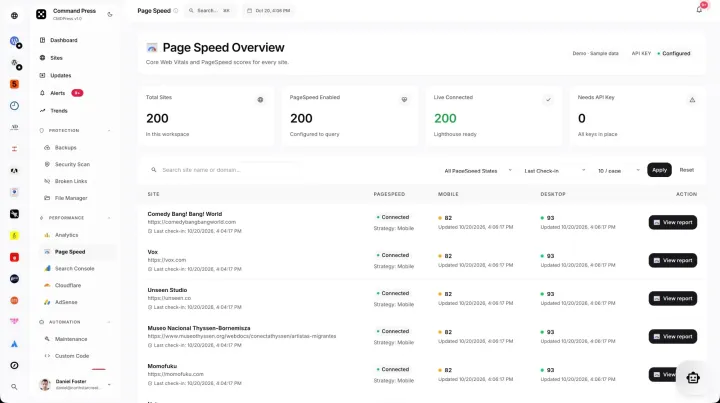 WordPress PageSpeed monitoring Track mobile and desktop PageSpeed results, history, and client reporting.
 -
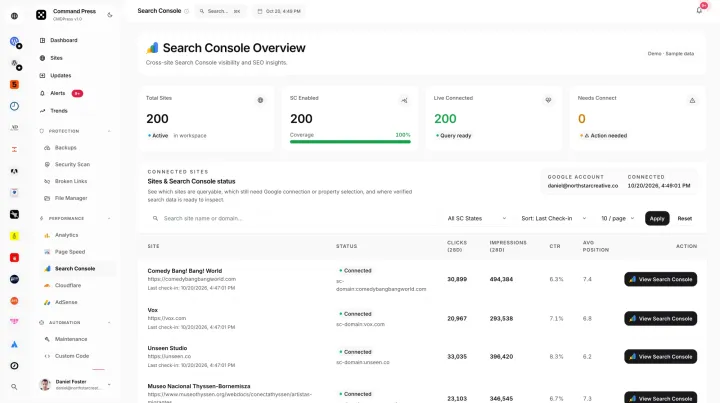 WordPress SEO monitoring Run technical crawl audits and track issue trends with Search Console, broken links, and PageSpeed.
Team and clients
Access, support, reports, and billing
-
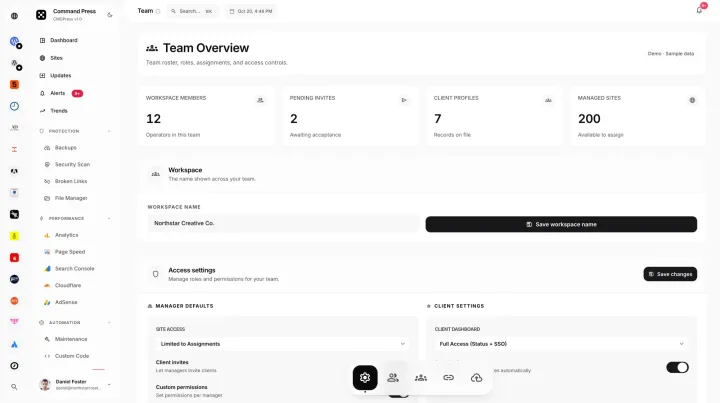 WordPress agency tools Manage teams, permissions, support, branding, assignments, and shared client work.
 -
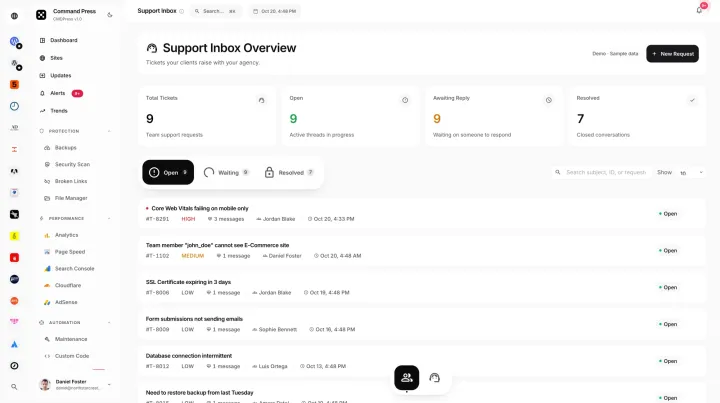 WordPress team support Handle shared requests, client communication, assignments, status, and service history.
 -
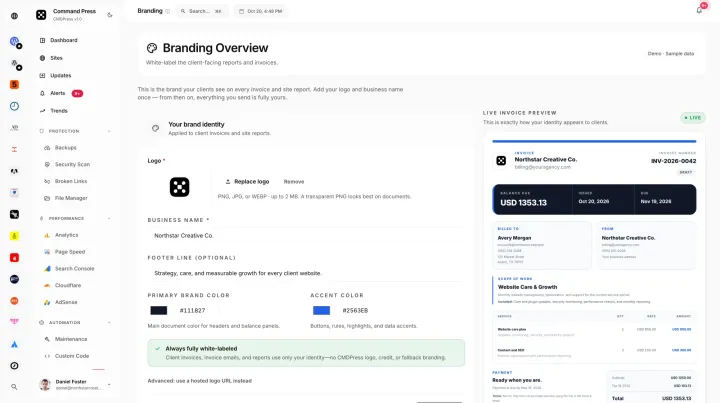 White label WordPress maintenance Run white-label maintenance with branded reports, invoices, client support, and your workspace identity.
 -
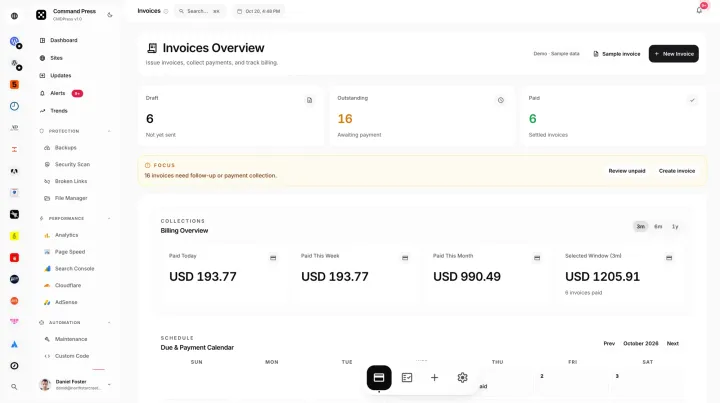 WordPress client invoicing Send branded invoices with line items, payment status, recurring care, and client records.
 -
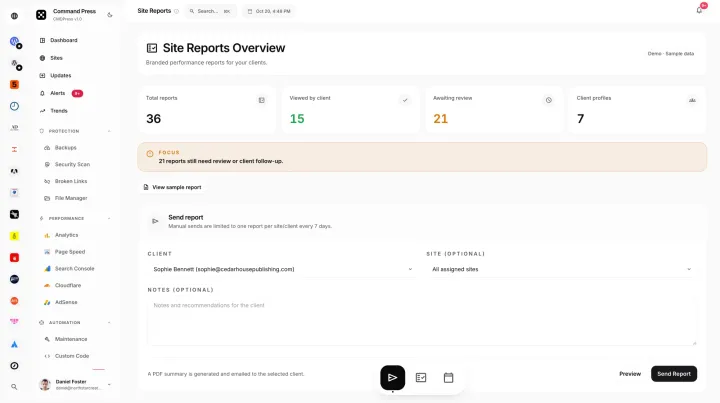 WordPress client reports Send branded site audits with analytics, maintenance proof, and scheduled delivery.
 -
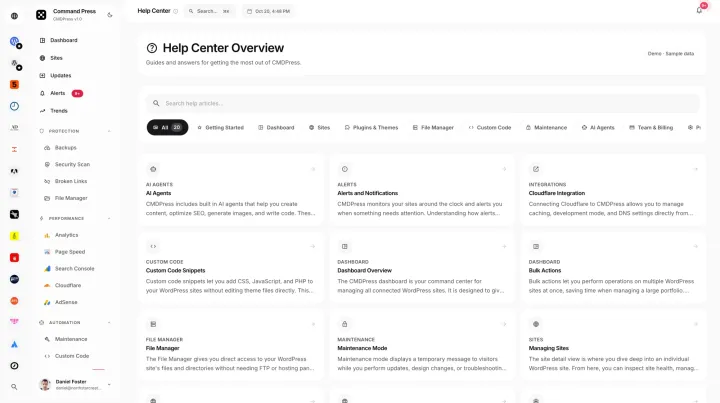 WordPress management help center Get product guidance, setup answers, feature help, and common workflow tips.
 -
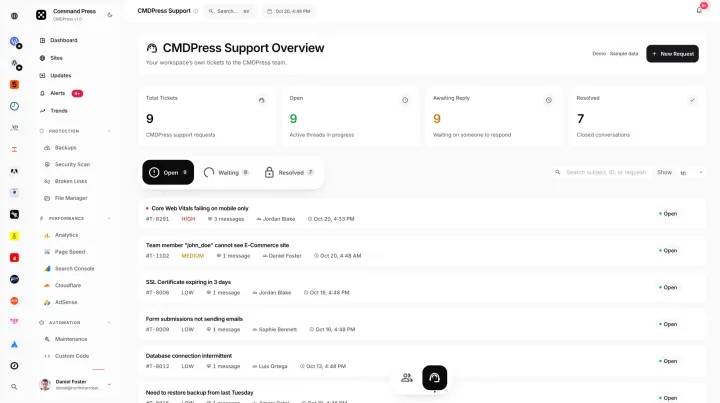 CMDPress support desk Ask CMDPress product questions, track issue status, and handle account help conversations.
 -
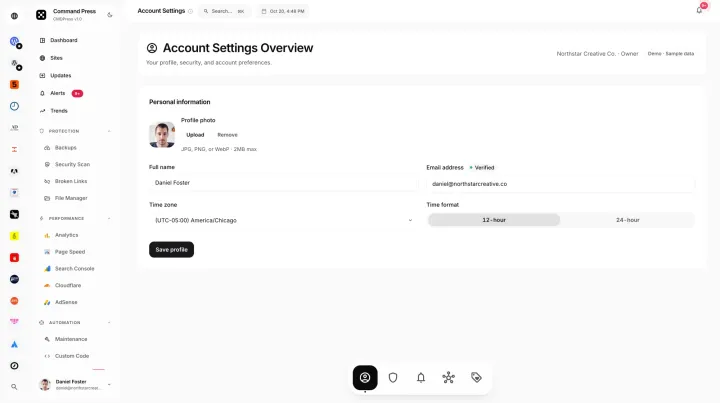 WordPress management account settings Manage profile details, security, preferences, billing, and workspace access.
Individual site
Every control for one WordPress site
-
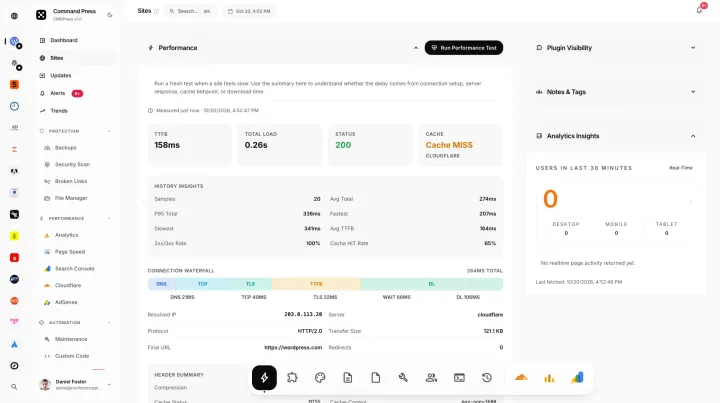 WordPress site administration Control one site’s performance, users, content, logs, plugins, themes, integrations, and access.
 -
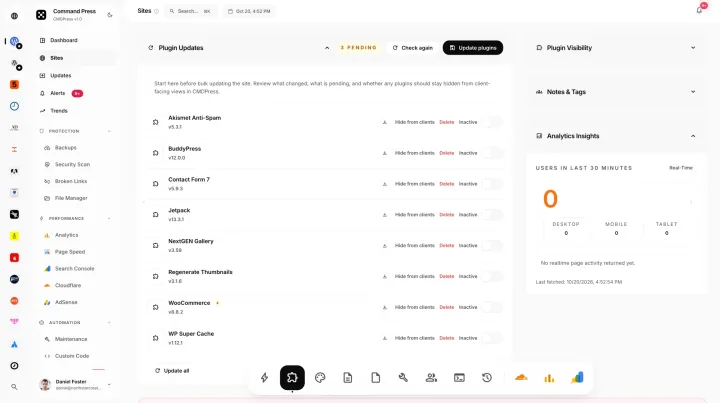 WordPress site plugin management Manage plugin versions, activation, updates, and status on one connected site.
 -
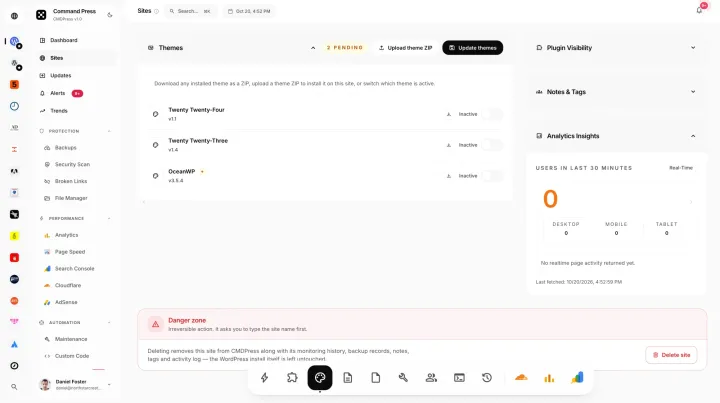 WordPress theme management Manage installed themes, the active theme, versions, updates, and site-level theme care.
 -
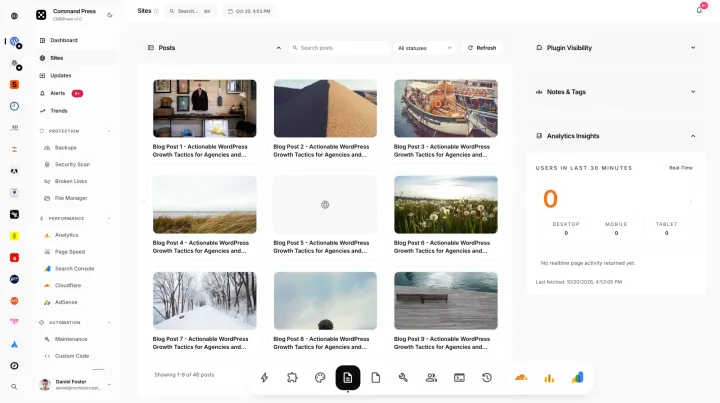 WordPress post management Review posts by title, author, status, date, and search on a remote site.
 -
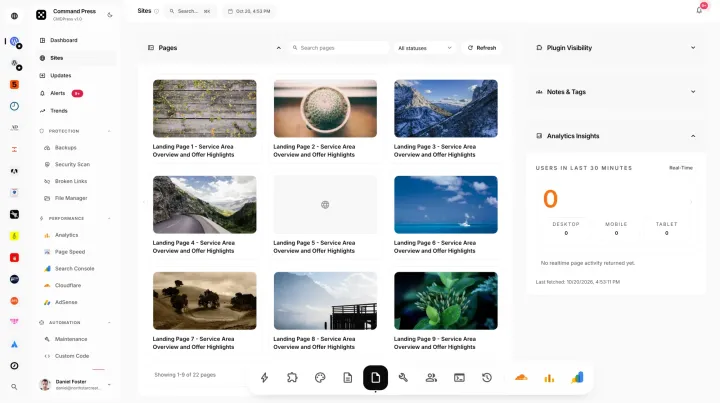 WordPress page management Review pages by title, author, status, date, and search on a remote site.
 -
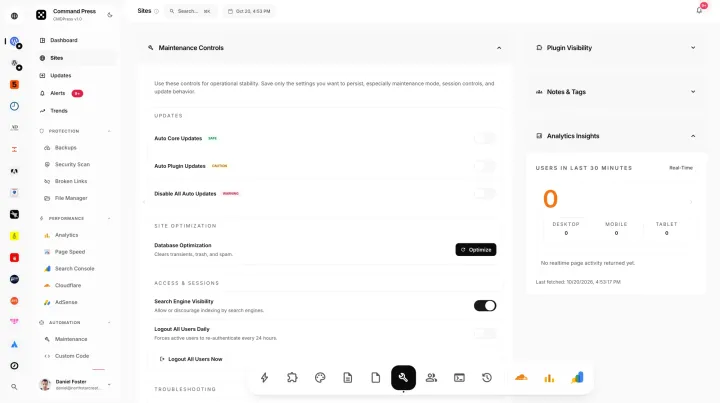 WordPress maintenance controls Control cache, maintenance mode, help widgets, site status, and remote actions.
 -
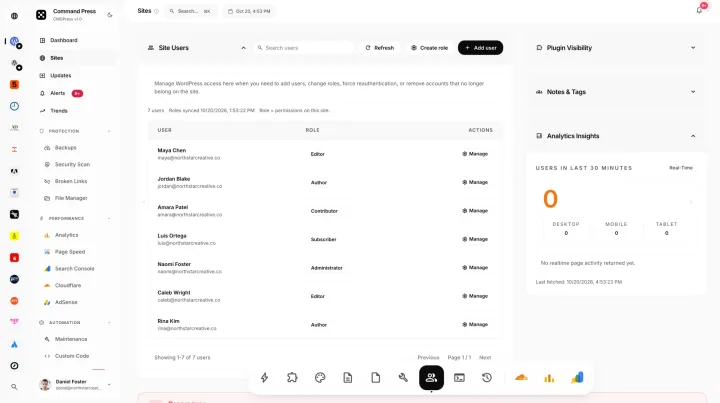 WordPress user management Manage accounts, roles, email, registration dates, search, and remote site access.
 -
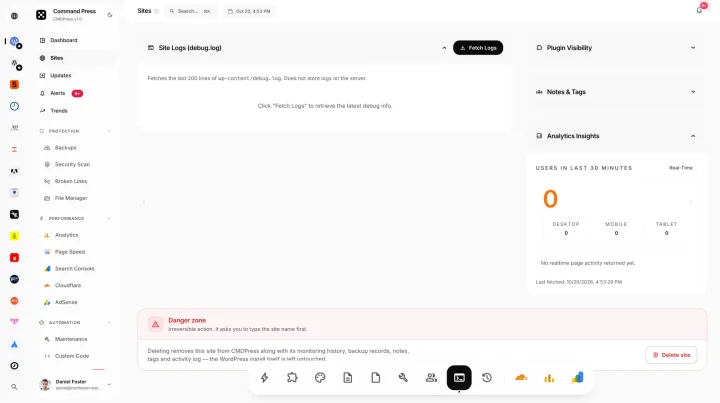 WordPress log viewer Review site events, errors, and timestamps when you need to troubleshoot remotely.
 -
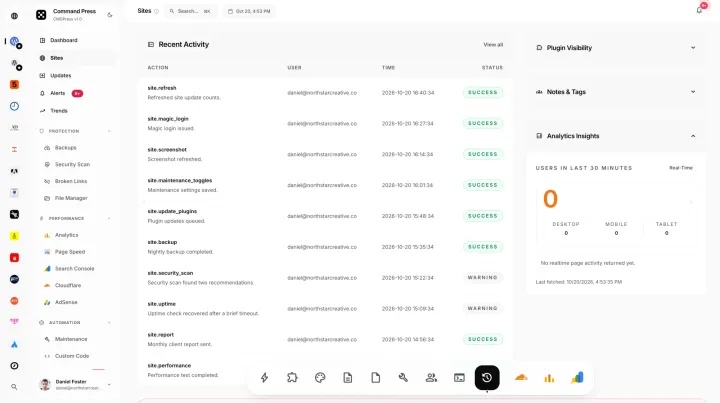 WordPress site activity log Track actions, timestamps, users, and maintenance history on one connected site.
 -
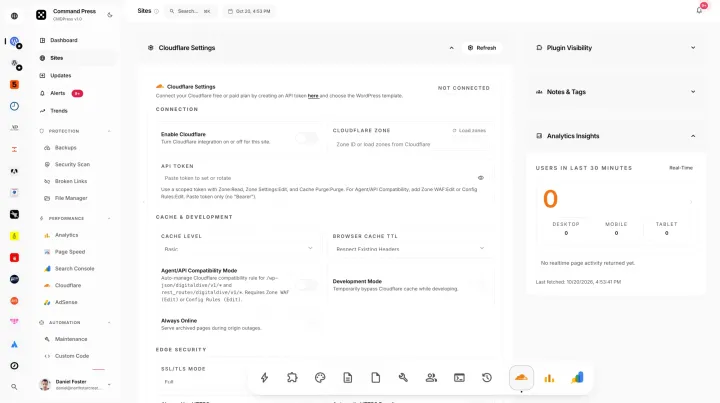 WordPress site Cloudflare dashboard See zone status, cache controls, traffic, and security for one connected site.
 -
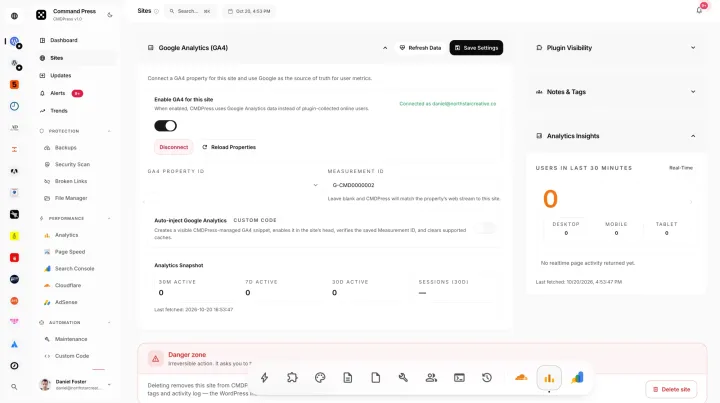 WordPress site analytics See traffic, visitors, acquisition, content, and real-time activity for one client property.
 -
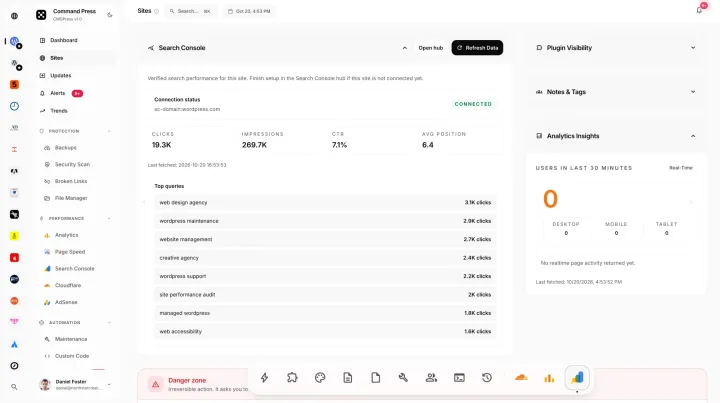 WordPress Search Console dashboard Track clicks, impressions, queries, pages, and positions for one client property.
Guides
WordPress management research
FAQ
Questions about CMDPress features
What WordPress management features does CMDPress include?
CMDPress covers bulk and per-site updates, uptime monitoring, backups, security scans, broken link and PageSpeed checks, technical SEO, GA4, Search Console, AdSense and Cloudflare data, client reports and invoicing, tasks, a team support desk and AI agents. Each feature has its own page with workflow guidance and current screenshots from the demo.
What does WordPress maintenance include?
WordPress maintenance usually includes core, plugin and theme updates, backups, security scans, uptime monitoring, performance checks, broken link fixes and a report for the site owner. Take a backup before major updates. CMDPress handles each of these from one dashboard, across sites on any host, so routine care does not depend on separate tools.
Are all CMDPress features included in every plan?
Yes, on paid sites. Each additional site is $2.99 per month with the full platform included, no feature add-on fees and no separate AI fee, so 10 sites cost $26.91 a month. Your first connected site is free forever with no credit card. A few extras, such as Trends research and more than one custom AI agent, come with paid CMDPress.
Which hosts do CMDPress features work with?
Any host that runs WordPress, including shared hosting, VPS, managed WordPress and servers with no control panel. Each site connects through a lightweight agent plugin that uses HMAC-signed requests and adds no front-end interface. CMDPress does not host sites or install WordPress, so your sites stay where they are.
Can I try CMDPress features before connecting a site?
Yes. A public demo with sample data is one click away, so you can explore the screens shown on these feature pages before connecting anything. When you are ready, connect your first site free forever with no credit card and run CMDPress on a real site.
Command starts here
Connect one WordPress site for free
Keep the first site free forever, then add sites for $2.99 each per month with no feature add-on fees.