01
Every site in one place
See health, updates, uptime, and backups for every site, filter what needs attention, and open any site’s admin with Magic Login.
See the sites dashboardManage WordPress sites from one dashboard
Run every site, team, connected tool, and AI agent from one place. Manage one site or a thousand.

Works with the tools you already use
Who it’s for
Start with one site free, then grow into teams, clients, and fleets without changing tools.
 Site owners and publishers Keep your sites fast, safe, and earning, with Analytics, PageSpeed, and AdSense in view. See every feature
  Freelancers Run cleaner maintenance retainers without living in a dozen admin panels. For freelancers
 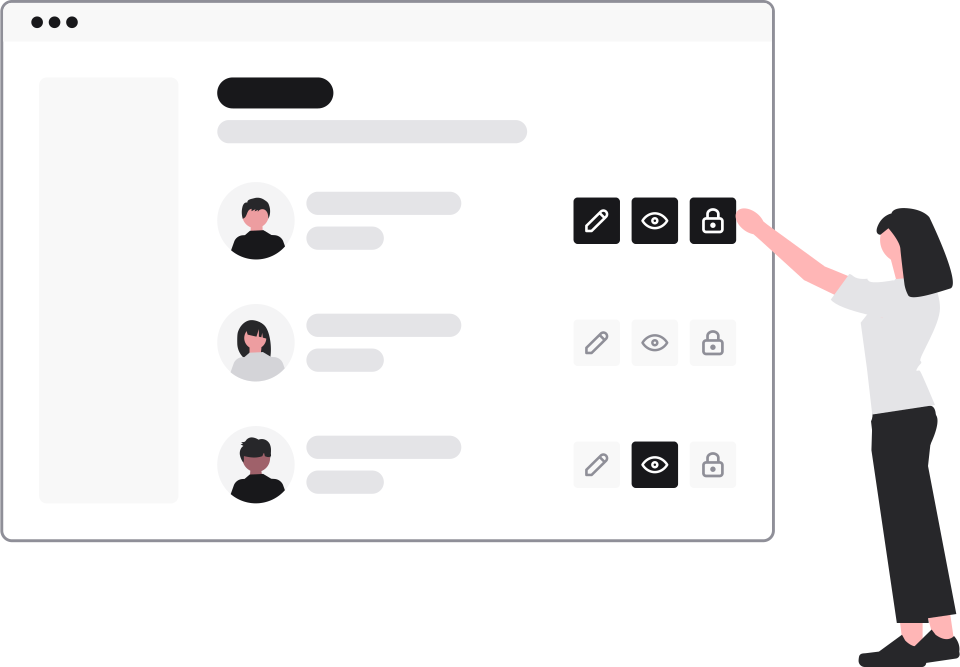 Agencies Scale care plans with teams, roles, client access, and branded reports. For agencies
  Hosting teams Keep every customer install updated, scanned, and monitored from one console. For hosting teams
 One system
See every site, control every setting, bring your team in, and connect the tools you already pay for.
See health, updates, uptime, and backups for every site, filter what needs attention, and open any site’s admin with Magic Login.
See the sites dashboardDo the work you’d normally do inside wp-admin across every site, without logging in to each one.
Create a team, invite people, and grant exactly the access they need, without sharing passwords.
Cloudflare, Google Analytics, Search Console, PageSpeed, AdSense, and backups to your own Amazon S3 sit next to the sites they belong to.
Before and after
Run your WordPress work on one system instead of a dozen admin panels.
Fewer plugins
Every plugin is one more thing to update, secure, and pay for on every site. CMDPress does these jobs from one dashboard, with one lightweight agent on each site.
Platform
Protection, performance, and automation for every connected site.
Bulk-update plugins, themes, and core across your fleet, or search WordPress.org and install to many sites in one step.
See bulk updatesFull-site backups streamed straight to your own storage, with history and health for every site.
See backupsCVE-aware vulnerability scanning with a score per site and one-click fixes for patched plugins.
See the security scannerCrawl each site for dead links and missing images before visitors find them.
See broken link checksBrowse and edit site files from the dashboard, with a restricted mode as the safe default.
See the file managerAuto-updates, client lockdown, debug mode, sessions, and database tuning, with a log of every change.
See maintenance toolsCore Web Vitals and PageSpeed scores for every site, mobile and desktop.
See page speed trackingCross-site traffic, clicks, impressions, and positions without switching accounts.
See analytics and Search ConsoleAI agents
Use CMD Agent’s built-in specialists or connect your own. Each agent gets scoped permissions and a full activity log.
FAQ
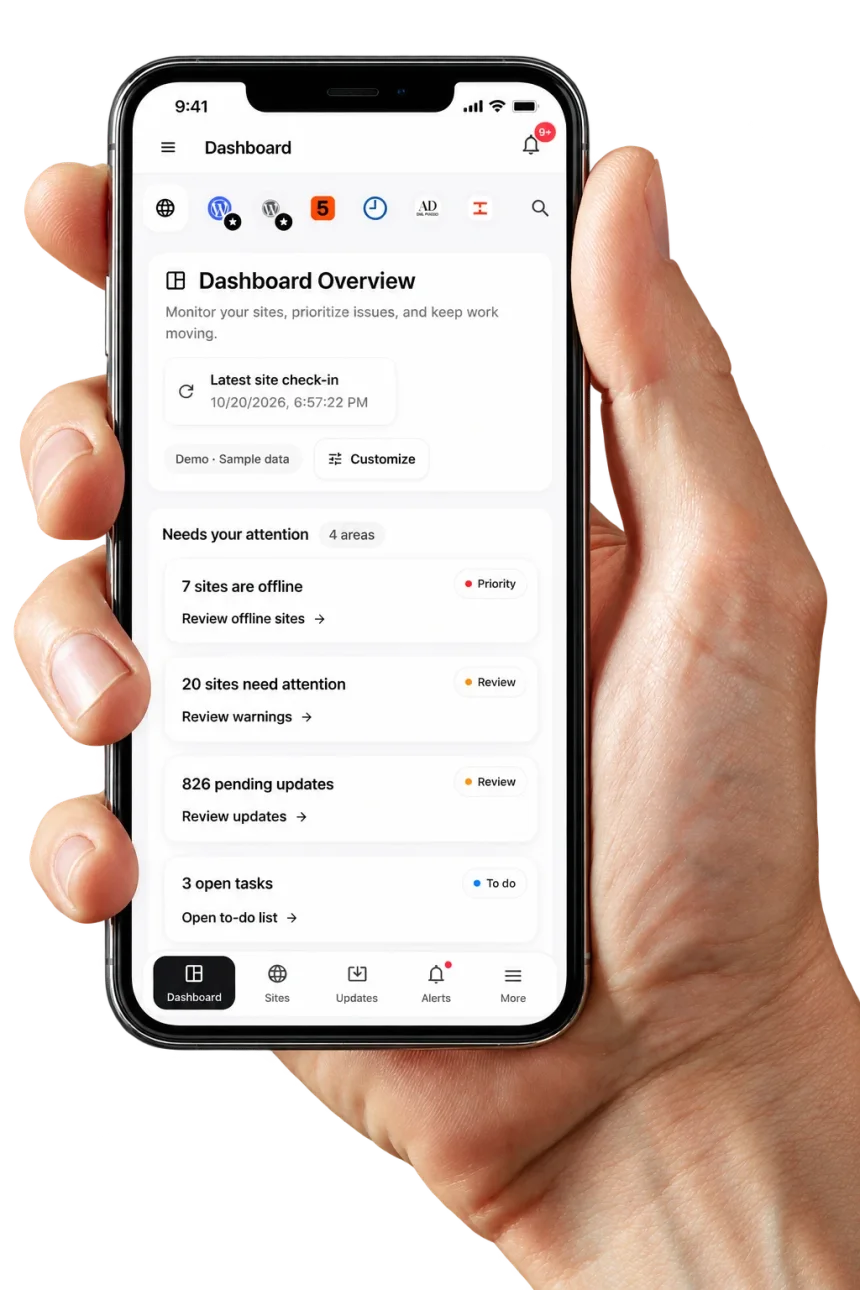
CMDPress on your phone
Check every client site, run updates, and open any dashboard with Magic Login from wherever you are. Install the CMDPress web app today. Native iPhone and Android apps are on the way.